How Entries and Outflows Control Works
Monitor your business financial outcome in 3 simple steps:
Step 1
Select Financial Mode
Go to Settings and select the "FINANCIAL MANAGEMENT" option to unlock the complete control module.
View image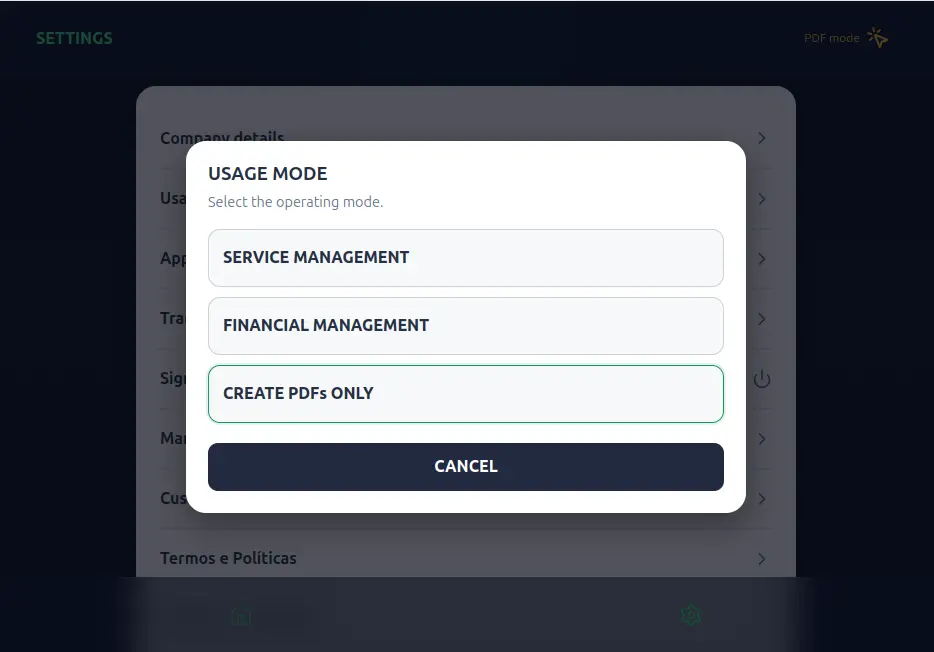
Step 2
Record Service Entries
Log services rendered to clients along with their respective values, defining descriptions and payment methods.
View image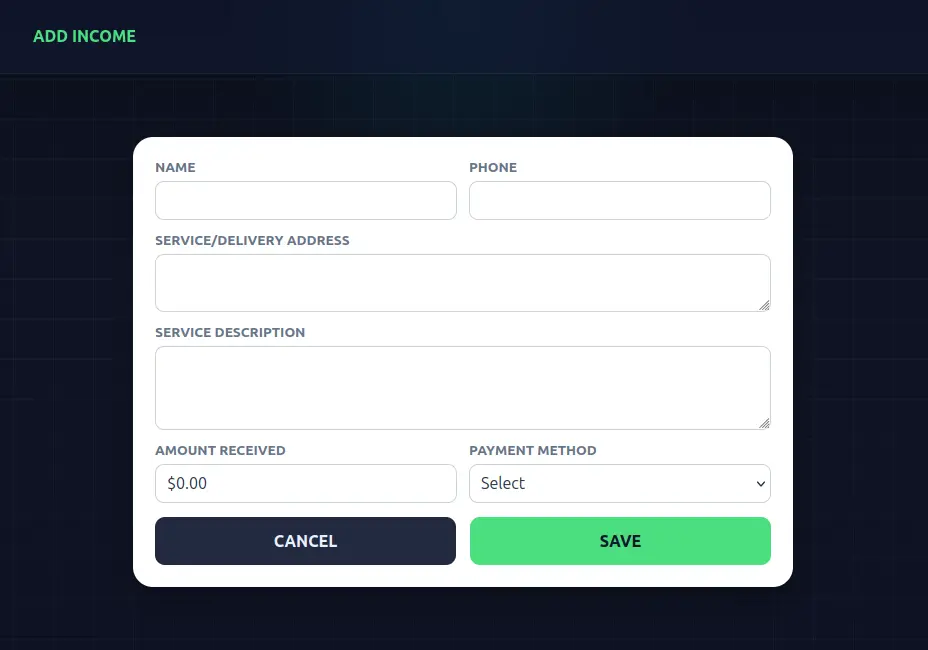
Step 3
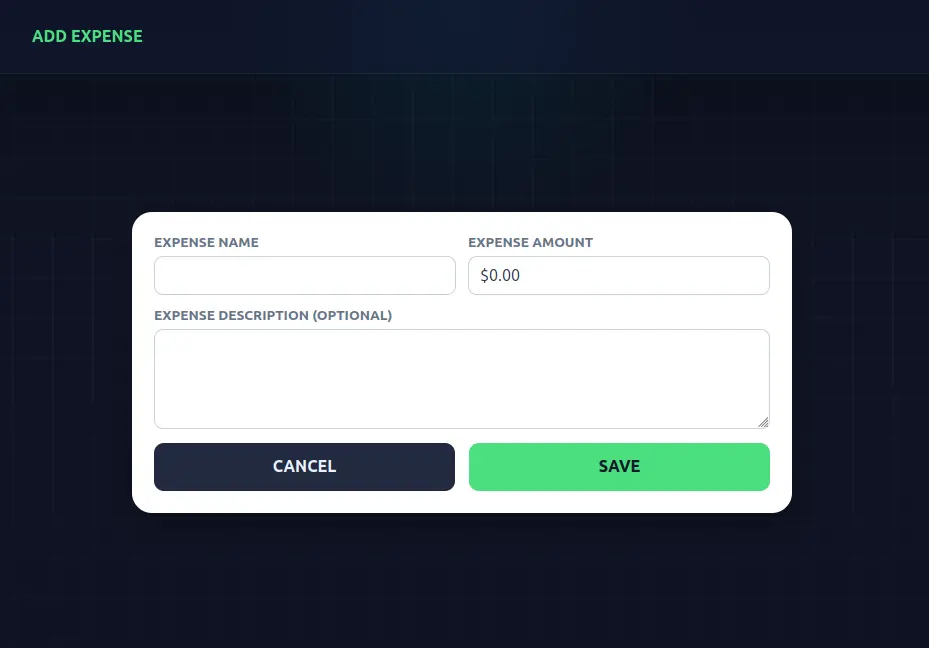
Record Cash Outflows
Input business cash outflows (material purchases, transportation, tools) to calculate your real balance and net profit.
View image